
Test Plans Report
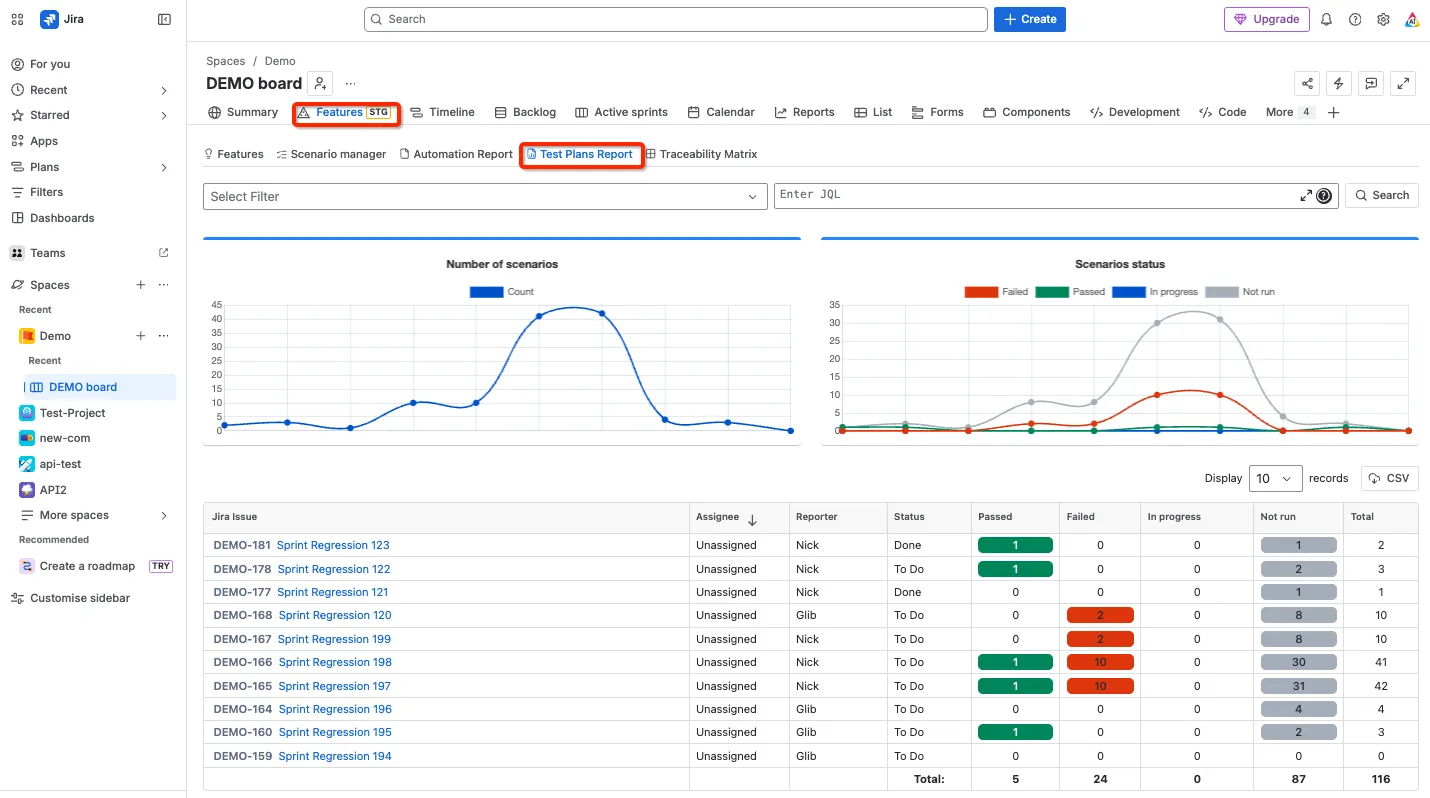
The Test Plans Report details the status of Scenarios linked to the “AssertThat Test Plan” Jira Issue Type in the current project. AssertThat Test Plan are enabled through project configuration, further details can be found here.
Access Test Plans Report
Section titled “Access Test Plans Report”Access the AssertThat Test Plans Report by the Features menu then Test Plans report.
Filter Test Plan Report using JQL
Section titled “Filter Test Plan Report using JQL”The report filters on the Jira Issue type “AssertThat Test Plan”. Filter using JQL to return specific Test Plans.
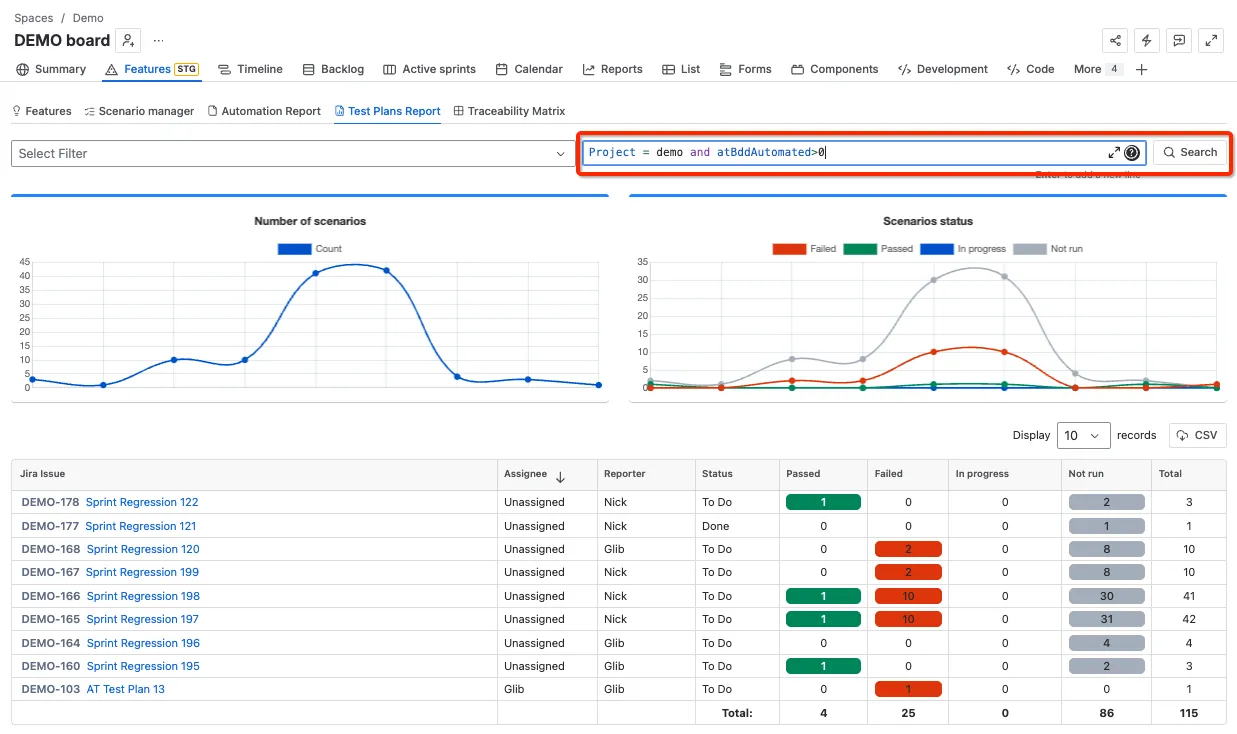
Some commonly used JQL to search for AssertThat Test Plans are listed below:
# To select Project "Demo"project = "DEMO"
# To select Project "Demo" and Status types.project = "DEMO" AND status in (Done, "In Progress", "Selected for Development")
# To select Project "Demo" and Issues in the current sprint.project = "DEMO" AND fixVersion = "Current Sprint"
# To select current sprint for Project "Demo"project = "DEMO" AND sprint in openSprints()
# To select issues with linked scenarios for Project "Demo"project = demo and atBDDTotal > 0
More details on AssertThat custom properties using JQL can be found here Using AssertThat scenario properties in JQL search
Please note ‘CurrentUser’ will not work with JQL in the traceability instead use your user details.
Filter Test Plan Report using Saved Filters
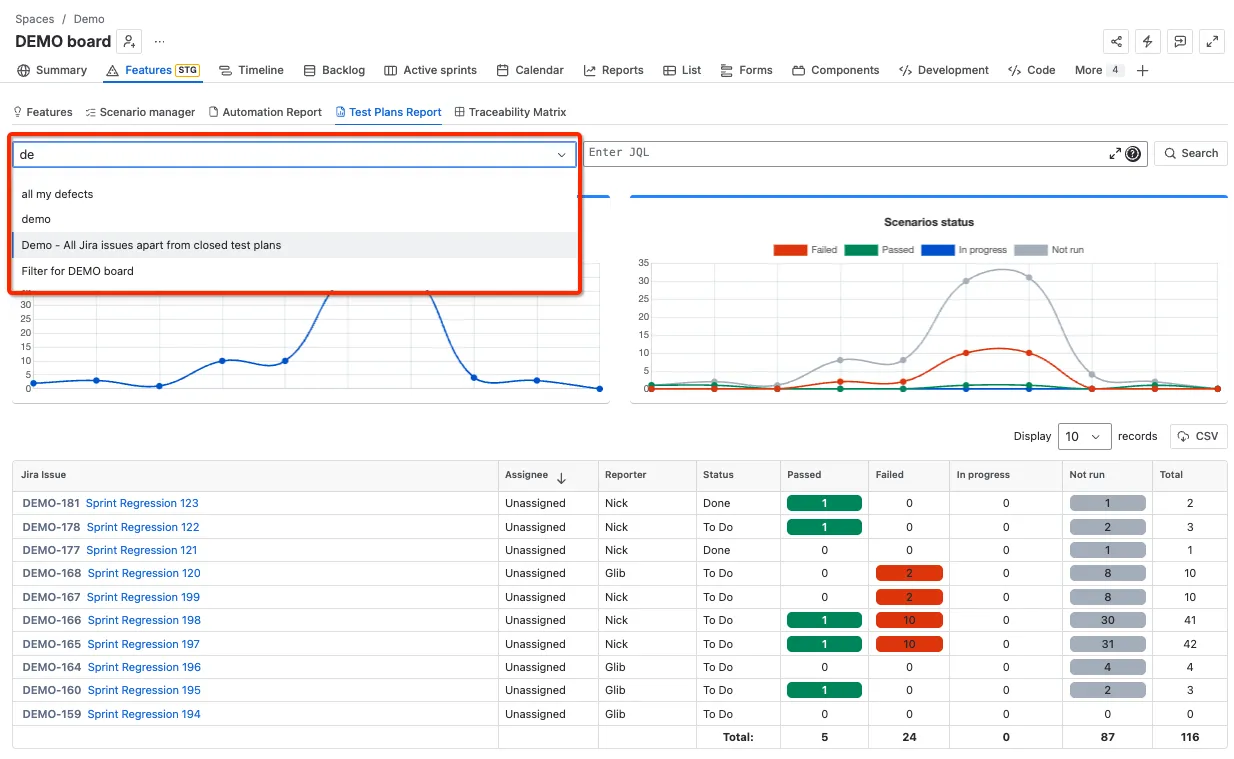
Section titled “Filter Test Plan Report using Saved Filters”Saved JQL filters can be selected from the drop down to filter AssertThat Test Plans
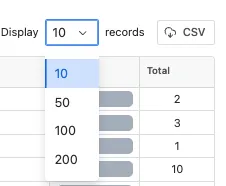
Download Test Plans report to CSV and set display record size
Section titled “Download Test Plans report to CSV and set display record size”Up to 200 Test Plan results can be downloaded at a time to a CSV file by changing the display settings. Use pagination to download the Test Plan details where more than 500 tickets are required.