

Using Tags to organise BDD Scenarios
Tags are one of the key tools to organise your scenarios. As your feature files develop, tags provide a limitless way to organise your scenarios, a few examples of how they can be used are to identify functionality, and to specify the test stage or the development status.
AssertThat - BDD, Cucumber & Test Management for Jira plugin Allows tags to be added at Feature, Scenario and Example level tags
Tags are inherited so for example
-
Feature tags apply for all Scenarios, Scenario Outline or Examples
-
Scenario outline tags apply to all Examples
Tag types
Section titled “Tag types”Feature tags
Section titled “Feature tags”Step 1: Access the AssertThat Feature menu
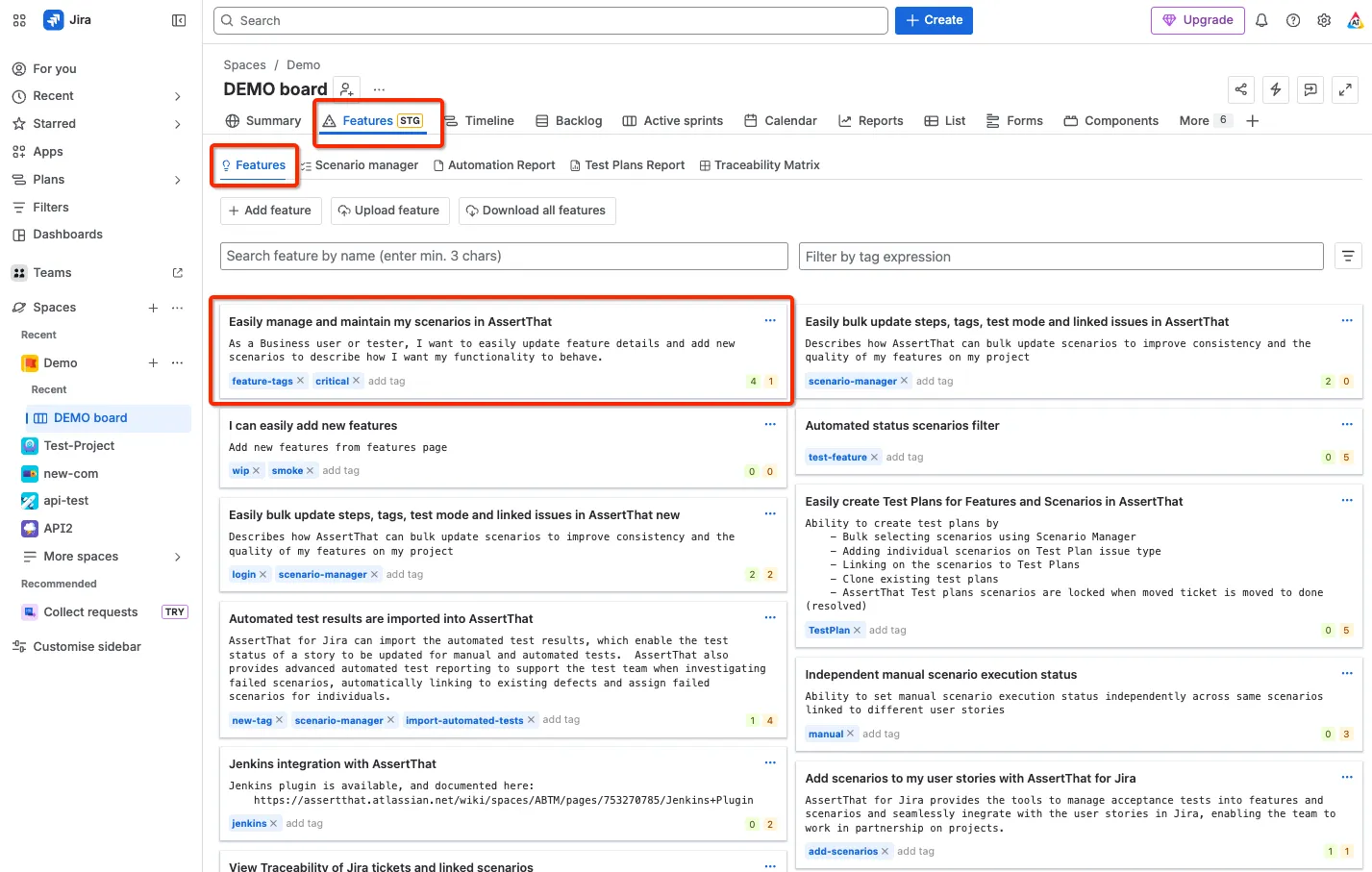
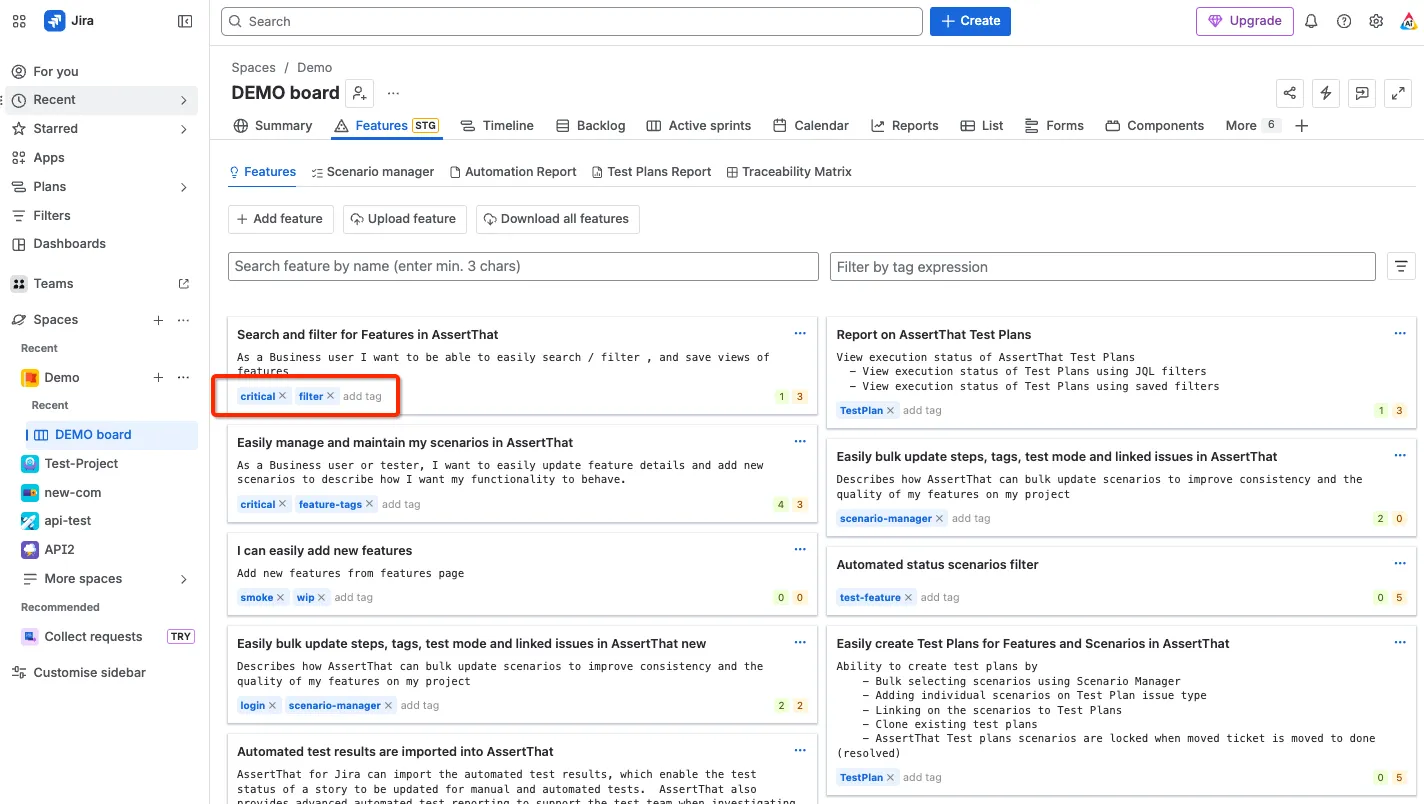
Step 2: Feature tags can be added from 2 places either on the main Features screen:
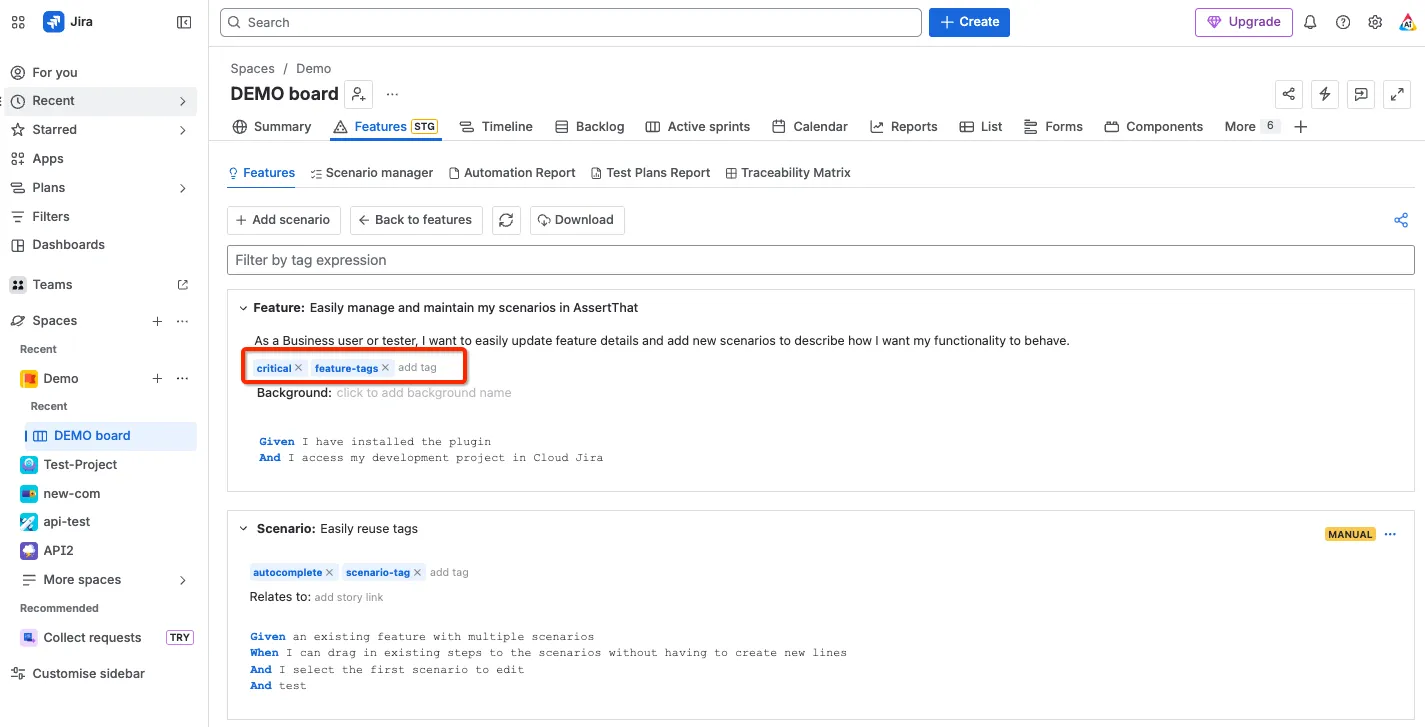
or from within the feature:
Scenario or Scenario Outline tags
Section titled “Scenario or Scenario Outline tags”Step 1: Scenario and Scenario Outline tags are added in the scenarios screen:
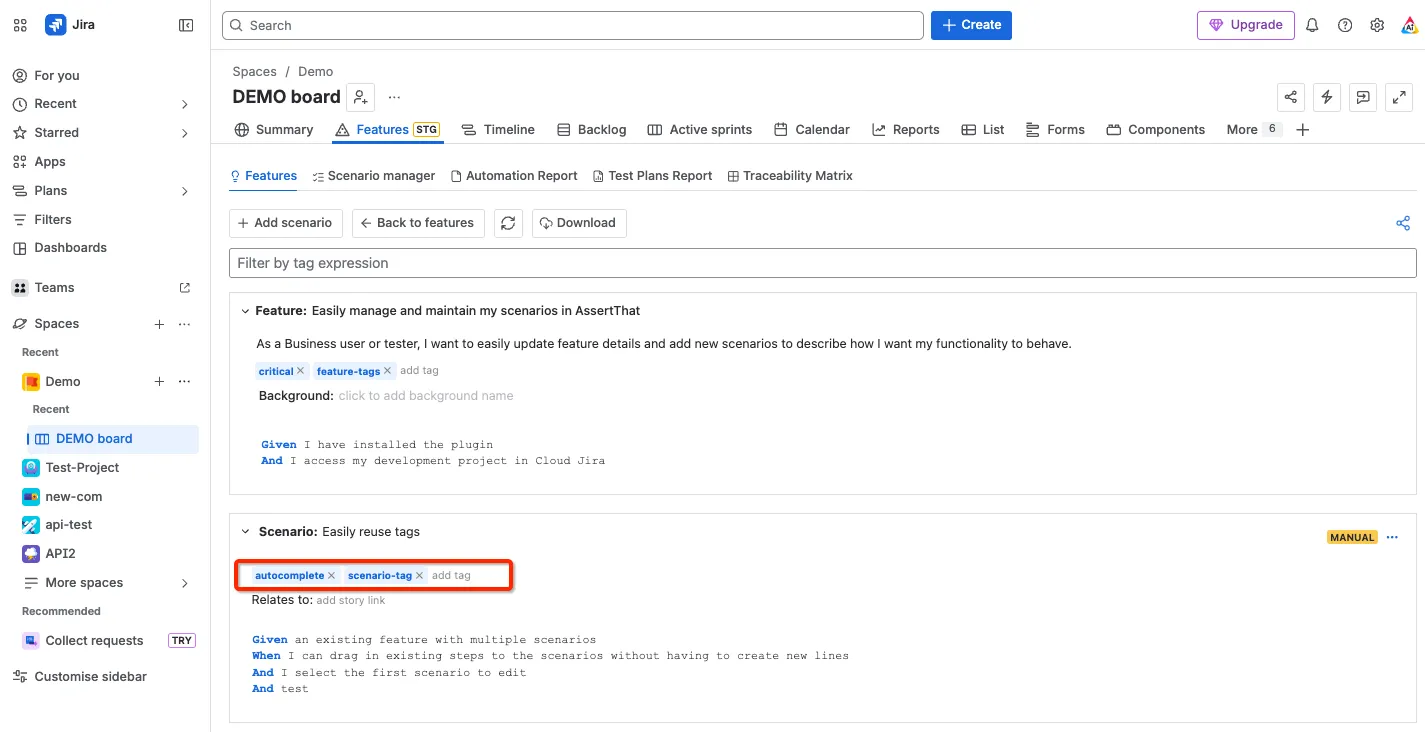
Note that scenario outline tags are inherited for all examples.
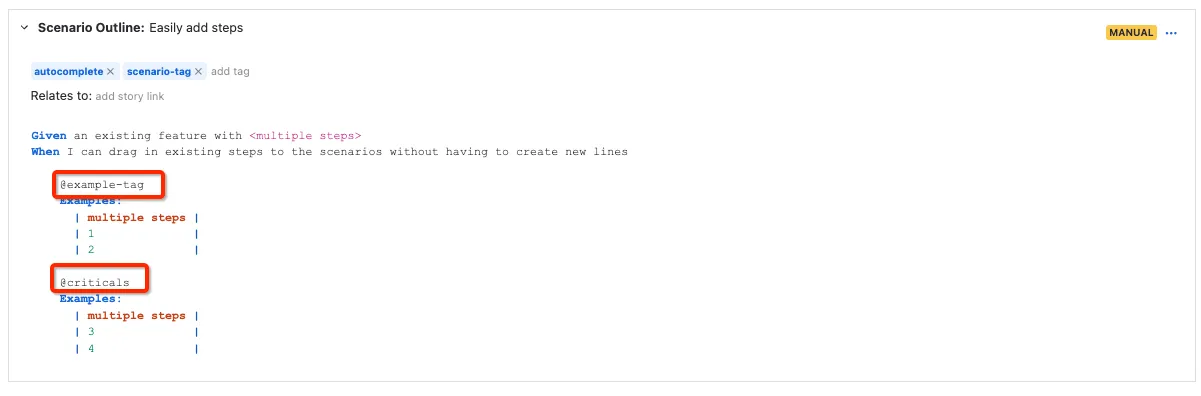
Examples tags
Section titled “Examples tags”Step 1: Examples tags are setup as follows:
How to organise tags
Section titled “How to organise tags”A few useful tips and guidance can be found in this blog post on how to Organise BDD Tags.