

Download Features, Scenarios and Filename rules
It is easy to download Features and Scenarios from AssertThat either from within the AssertThat BDD plugin or through the API’s. Downloading the Features is useful for:
-
Integrating with your Test Automation framework to execute tests
-
Integrating with your source control
-
Sharing Features between projects
Download Features from AssertThat BDD plugin
Section titled “Download Features from AssertThat BDD plugin”Download all Features
Section titled “Download all Features”Step 1: Access the AssertThat Feature menu
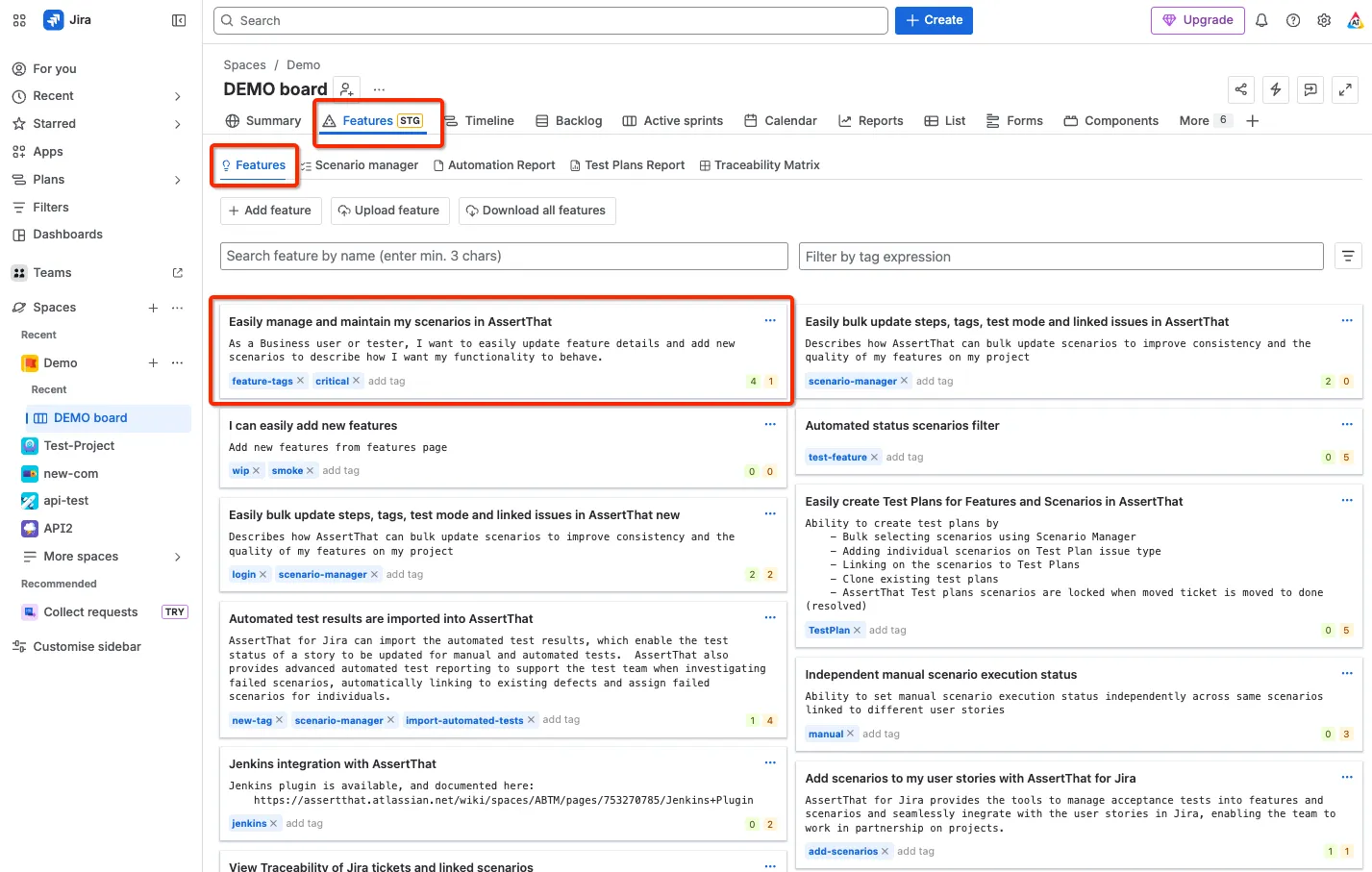
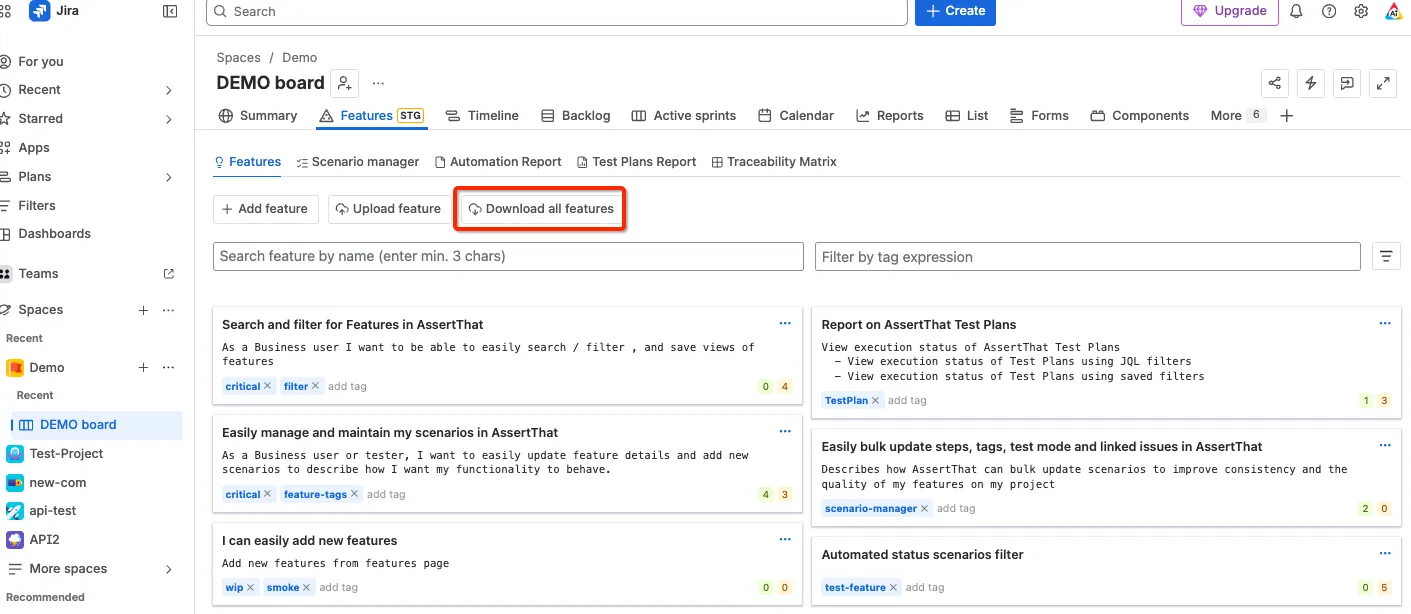
Step 2: Select Download all features from Features Summary screen in AssertThat. The feature files will be downloaded as a zip file to your default Downloads folder location. Note that to import the features the .feature file needs to be imported not the zip file.
Note that Resolved (Done) AssertThat Test Plans will not be downloaded as linked issues.
Download individual feature files
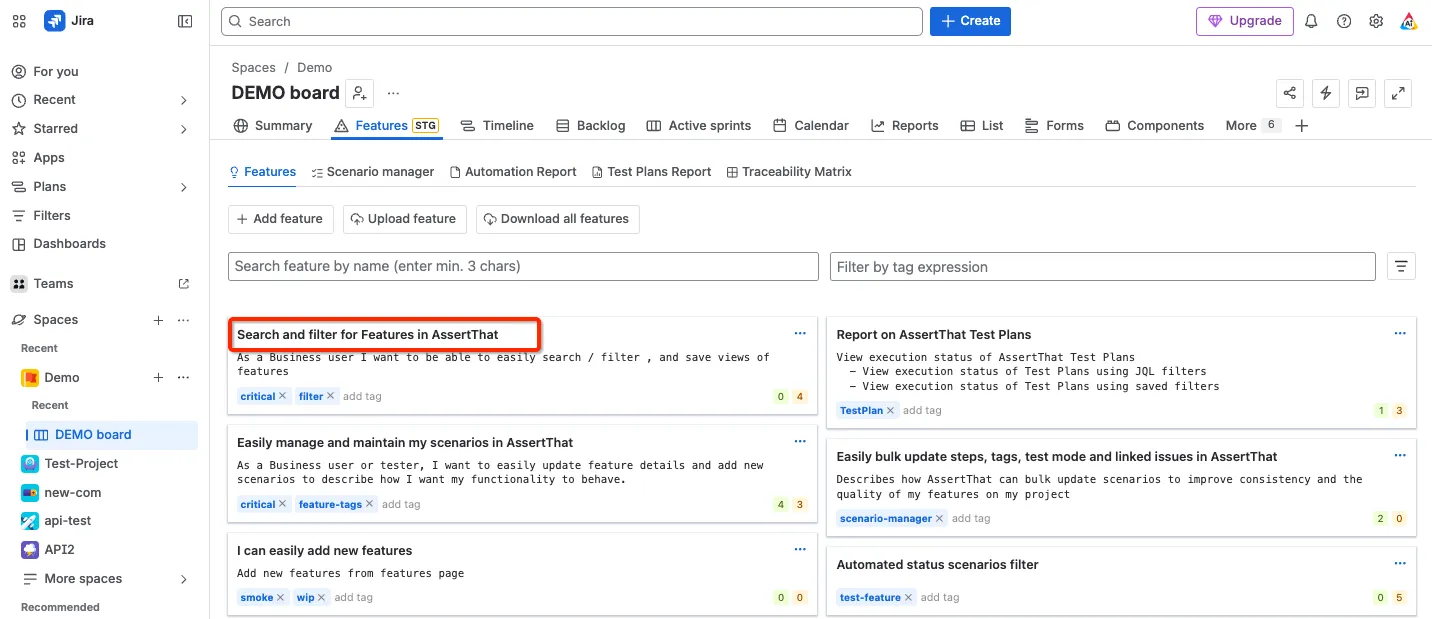
Section titled “Download individual feature files”Step 1: Select the feature file you want to download by clicking on the feature title
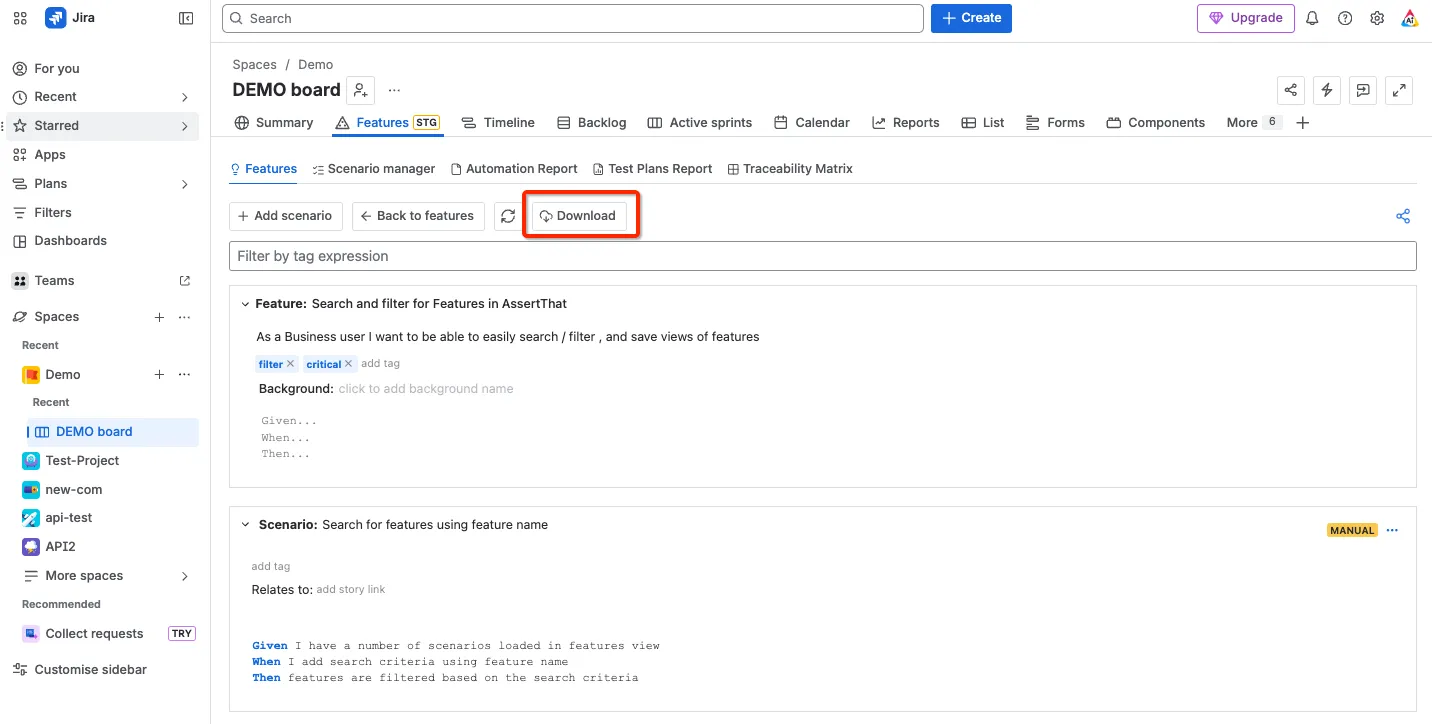
Step 2: Select Download from the Features screen in AssertThat. The feature file will be downloaded to your default Downloads folder location.
Note that Resolved (Done) AssertThat Test Plans will not be downloaded as linked issues.
Feature names transformation into filenames rules
Section titled “Feature names transformation into filenames rules”During features download feature names are transformed into filenames. Below are the rules we use for transformation
FILENAME = FEATURE_NAME.replaceAll(“[^a-zA-Z0-9]”, “ “).replaceAll(”\s+“, “-”).trim().toLowerCase();
-
Replace all non alphanumeric characters with single space [^a-zA-Z0-9] → “ “
-
Replace multiple spaces with dash \s+ → “-“
-
Trim
-
Transform to lowercase
Example:
Feature name: Feature name transformation !#$%&'*+-/=?^_`{|}~
Transformed: feature-name-transformation
Download Features from AssertThat API
Section titled “Download Features from AssertThat API”All Features can also be downloaded using the API. The feature files will be downloaded as a zip file. More details can be found in our Download Feature API page.